
Revit Operator: an AI assistant for production Revit teams
Revit Operator is a virtual teammate inside Revit. Tell it what needs to be done; it proposes the steps, uses tested Revit commands, pauses for approval when needed, and reports what changed.
The open core is available on GitHub for local and self-hosted use. BIMTools hosted adds managed infrastructure, authentication, updates, and proprietary team workflows.
Built for repeatable production workflows
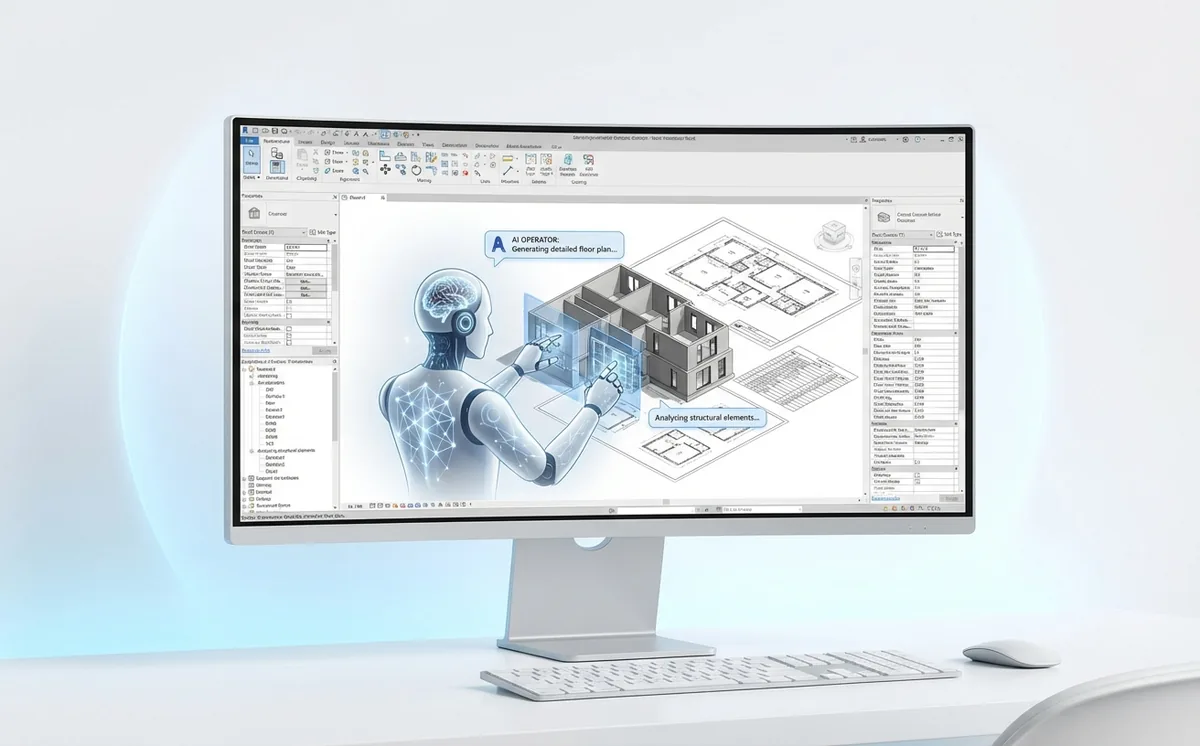
Revit Operator supports end-to-end workflows across sheets, model edits, exports, and quality checks, with explicit controls for approvals and auditability.
- Model context and selection workflows that target the right Revit elements
- Sheet and view automation: create sheets, place views, align viewports
- Model operations: create, update, and move elements with safe execution patterns
- Exports and deliverables: PDF, images, and data handoff workflows
- Verification artifacts: receipts, step history, and visual checks
- Skill model: reusable workflows your team can teach and improve
Revit Operator Program
Open core and hosted BIMTools deployment
- Use the public core locally or in a self-hosted environment.
- Review setup docs and source at github.com/epowell40/revit-operator.
- Choose BIMTools hosted when you want managed infrastructure, authentication, updates, and commercial support.
Hosted onboarding
- Work inside Revit for production workflows, standards, and delivery tasks.
- Plan-before-apply controls with verification artifacts and action receipts.
- Skill enablement to convert repeated tasks into reusable runbooks.
How sign-in works
- Use your BIMTools account credentials in the Revit Operator pane.
- Operator obtains a scoped access token server-side after login.
- License and tenant scoping are enforced for each session.
No separate Operator account required.
Engagement model: Scoped pilot followed by phased team rollout.
Need a specialized workflow? BIMTools can scope coordination, documentation, model QA, and delivery workflows inside the same Revit Operator rollout.
Common questions about the Revit AI assistant
What can Revit Operator automate?
Current workflows cover model context and selection, sheet and view work, bounded model operations, PDF and image exports, data handoffs, and verification steps. A pilot starts with a small set of repeatable tasks that your team can review.
Does the AI write directly to the model without approval?
The workflow is designed around plan-before-apply controls. Teams can review the planned steps and tool activity, approve model-changing work, and retain result receipts and step history.
Is Revit Operator open source?
The open core is public on GitHub for local or self-hosted evaluation. BIMTools also offers a managed deployment with authentication, infrastructure, updates, support, and team workflows.
How is this different from a Revit chatbot?
A help chatbot explains what to do. Revit Operator is built to call bounded Revit tools, return their results, and verify work inside an execution workflow.
New to this category? Read AI for Revit: what works in production or see how Revit MCP connections work.