Production guide
AI for Revit: what works in production
Compare automation approaches, identify good first workflows, and evaluate the controls a team needs before AI writes to a live model.
Read the AI for Revit guide
Use a virtual teammate inside Autodesk Revit to hand off real production work in plain language. Give it a task, review the proposed steps, approve the changes, and get a clear report of what was completed.
It feels like an operator teammate inside the model: fast enough for sheet work, disciplined enough to show its steps, and grounded in the exact Revit context you are working in.
The open core is available on GitHub for local and self-hosted use. BIMTools hosted adds managed infrastructure, authentication, updates, and team workflows.
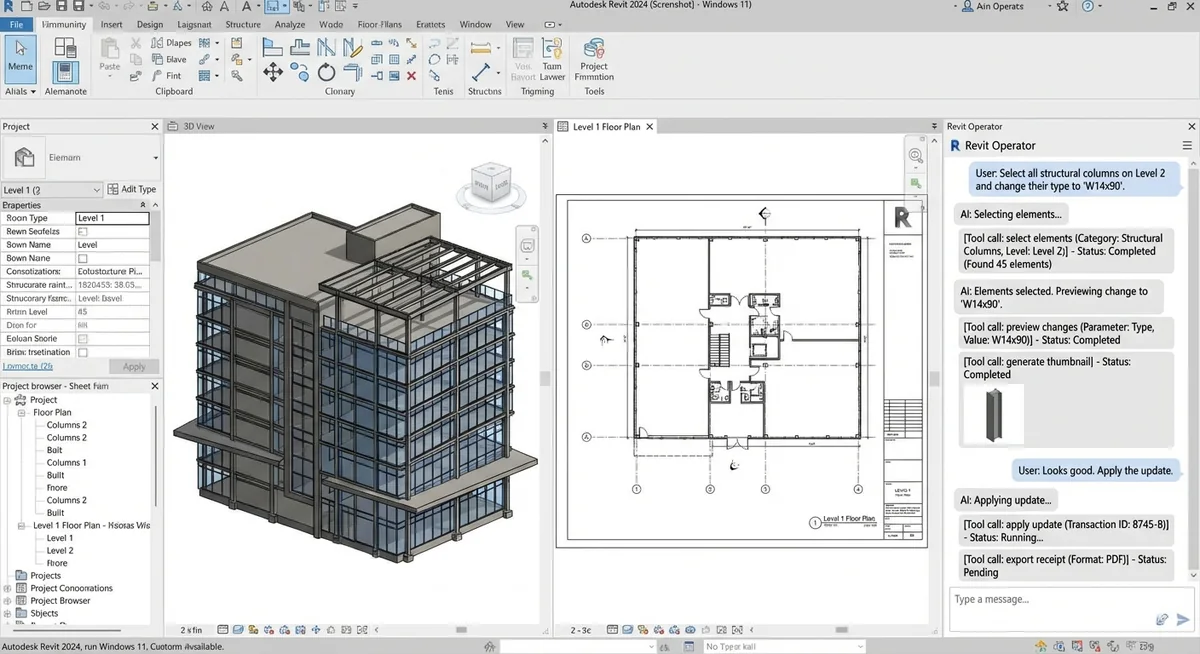
This is a representative interface simulation, not a recorded project or live product session.
Request a guided walkthroughThe Operator pane is a familiar chat window docked in Revit. You can type or speak your request, watch execution in real time, and keep control before anything is applied.
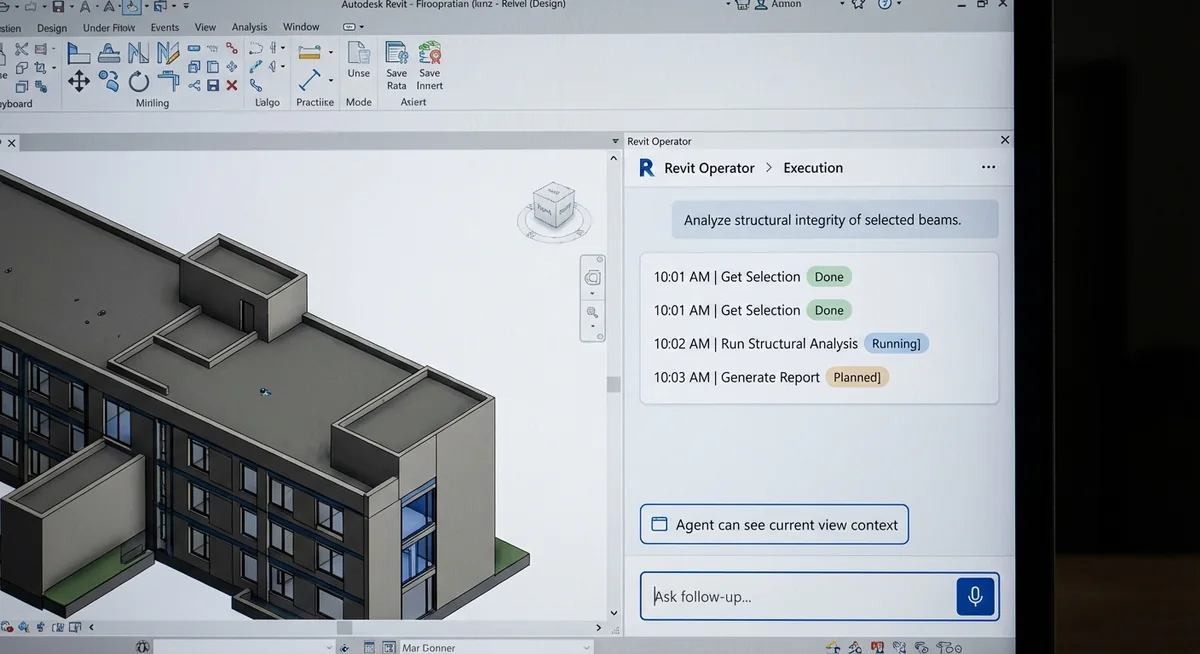
From documentation and parameter updates to model inspection and bounded MEP edits, Revit Operator turns plain-language requests into reviewable actions with verification evidence.

Learn which Revit tasks are a good fit, how work moves from an instruction to approved changes, and what production teams should check before adopting it.
Production guide
Compare automation approaches, identify good first workflows, and evaluate the controls a team needs before AI writes to a live model.
Read the AI for Revit guideTechnical guide
See how the assistant connects to Revit, runs tested commands, and reports the results.
Read the Revit MCP guide