A real teammate built into Revit.
Use a familiar pane in Revit to ask for work in plain language. Type or talk, and Revit Operator works from what is on your screen so support stays contextual.
It does not stop at chat. It plans, executes, verifies, and logs work with clear receipts, then turns repeatable tasks into reusable skills for your team.
The open core is available on GitHub for local and self-hosted use. BIMTools hosted adds managed infrastructure, authentication, updates, and team workflows.
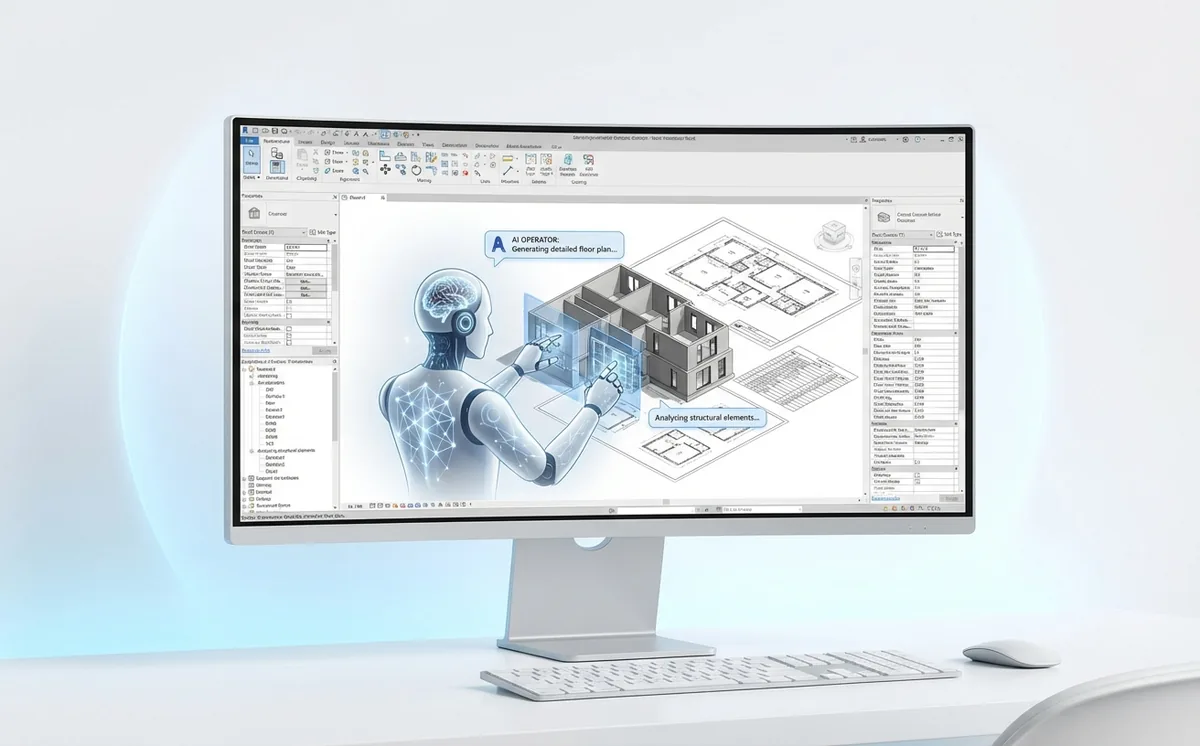
Use it like a teammate, right inside Revit.
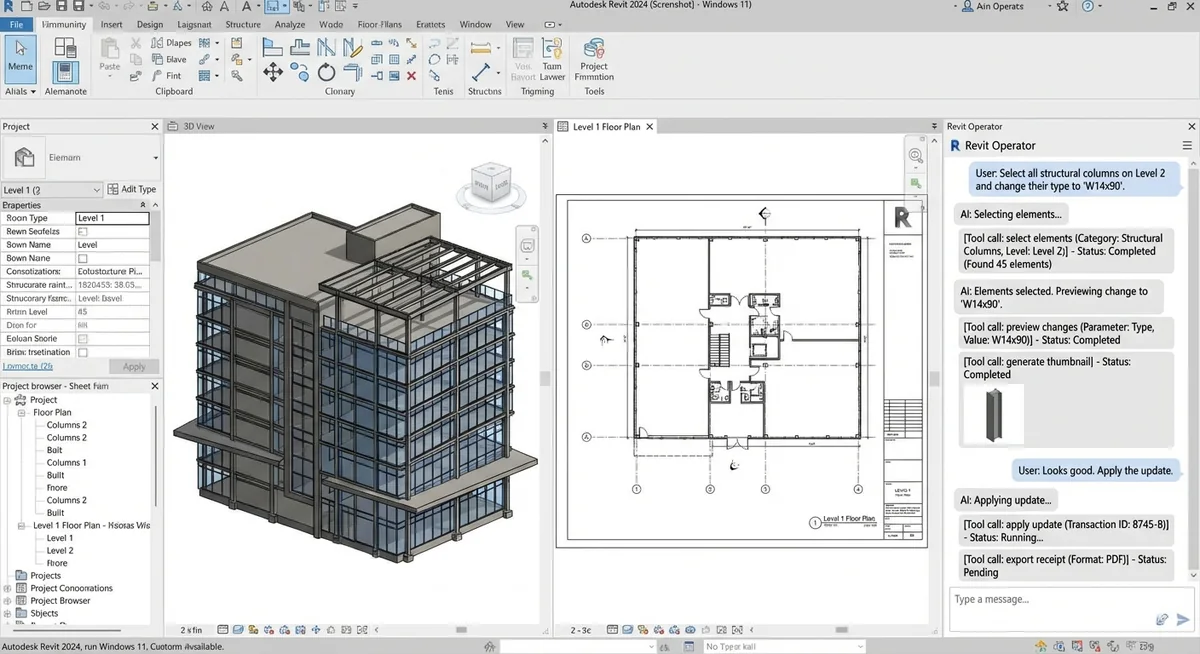
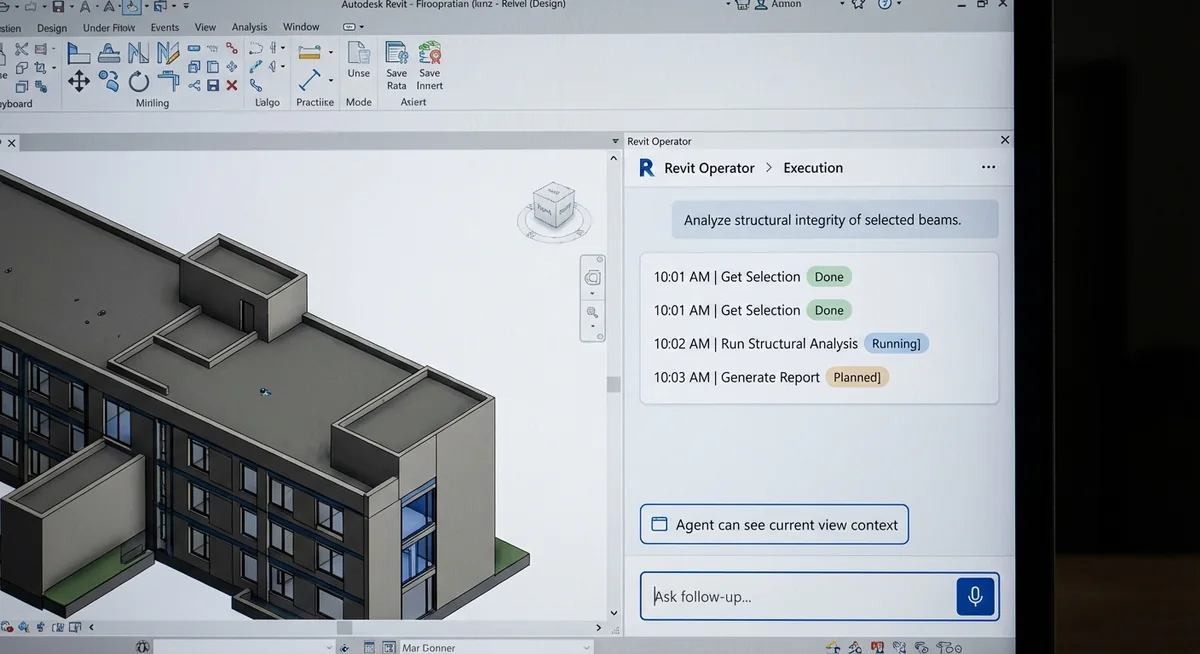
The Operator pane is a familiar chat window docked in Revit. You can type or speak your request, watch execution in real time, and keep control before anything is applied.
- Describe the task in plain language or by voice.
- Review planned steps and live tool calls as work runs.
- Approve changes, then save repeatable workflows as reusable skills.
Need focused clash coordination?
ClashPilot is the dedicated coordination workflow for teams that need specialized clash detection, triage, and resolution with auditable records.